
Framer content management
Let clients manage website content without touching your Framer build.
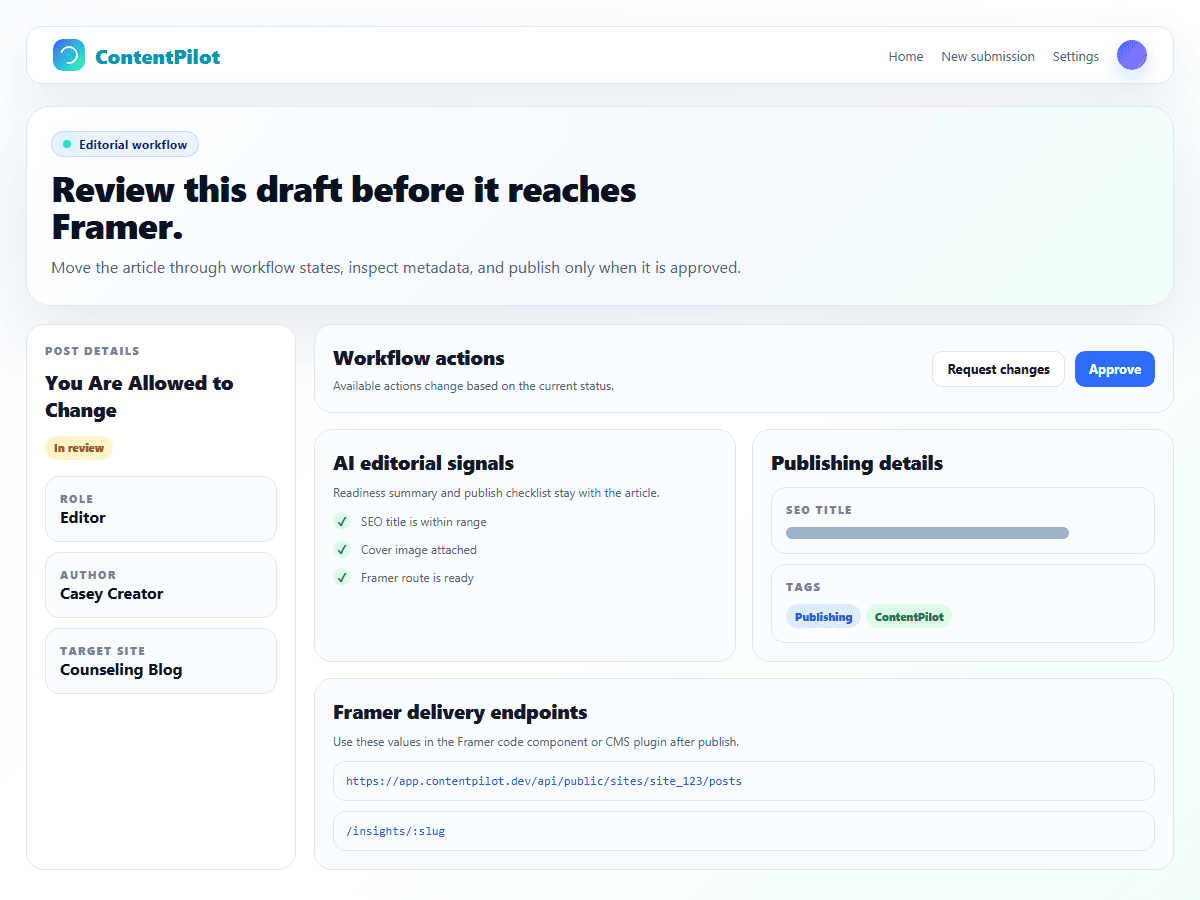
ContentPilot keeps editorial drafts, workflow status, and approved publishing in a separate portal, while Framer stays focused on design and rendering.
The control problem
Client content updates should not require access to layout, design, or CMS structure controls.
Site-specific article fields should stay predictable across drafts, reviews, and published output.
Approved content should have a clear delivery path into the Framer site.
Choose the Framer delivery path that fits the build.
Protect the build. Give clients the content lane.
Create a free ContentPilot workspace and connect the first Framer site when you are ready.