
The editorial operating layer for Framer client sites.
ContentPilot separates client content work from your Framer build. Developers configure the site once; writers draft in a guided portal; editors approve before anything reaches production.
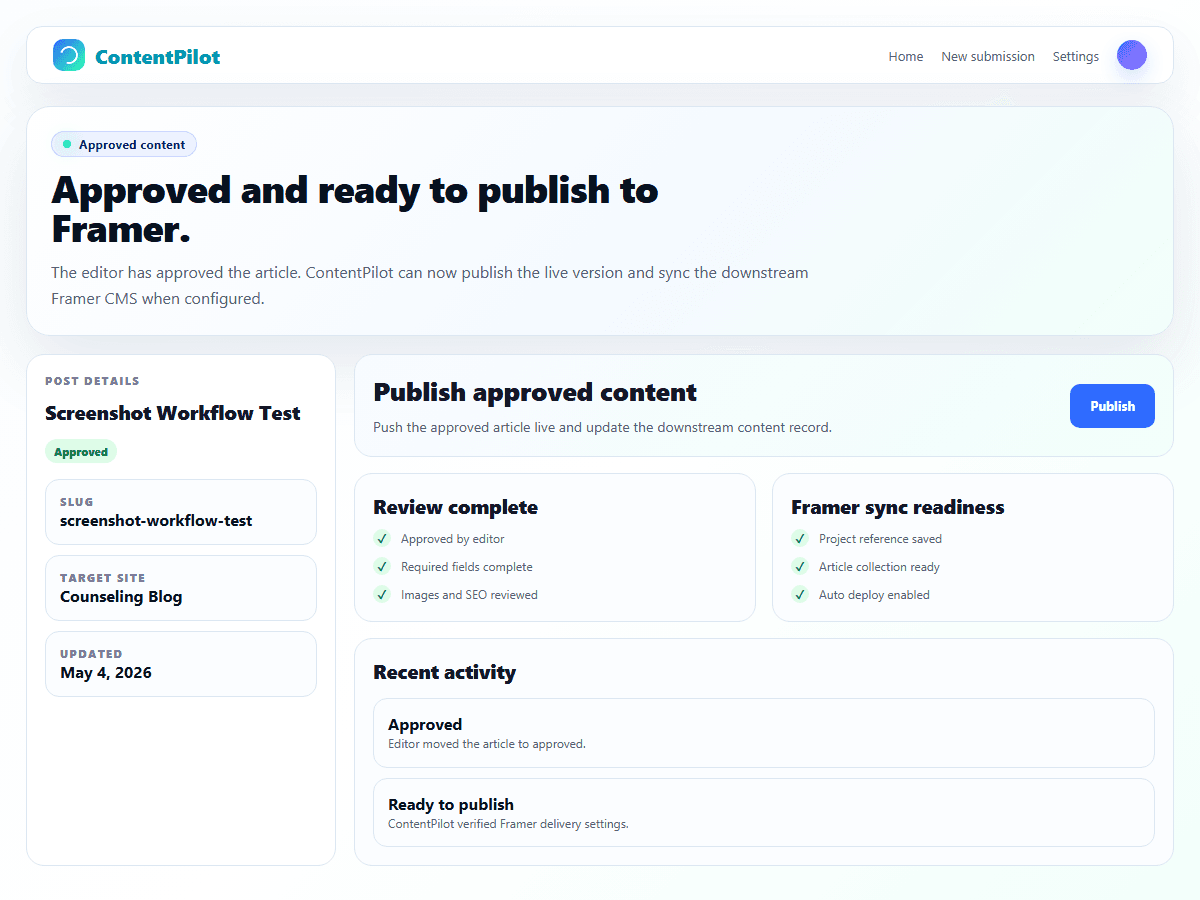
Write, review, approve, publish, sync.
ContentPilot gives every participant a clear lane, then moves approved content to Framer without exposing your build.
Write
Clients draft posts in ContentPilot.
Review
Editors check structure, metadata, and readiness.
Approve
Only reviewed content moves toward publishing.
Publish
Approved articles become the source of truth.
Sync
Framer renders from the API or receives CMS entries.
What developers package for each client.
The setup path mirrors the real handoff: configure the Framer destination, define the editorial fields, then invite the client team only after the content lane is ready.
Two ways to connect approved content to Framer.
ContentPilot remains the editorial source of truth. Each client site can use the delivery model that fits the build.
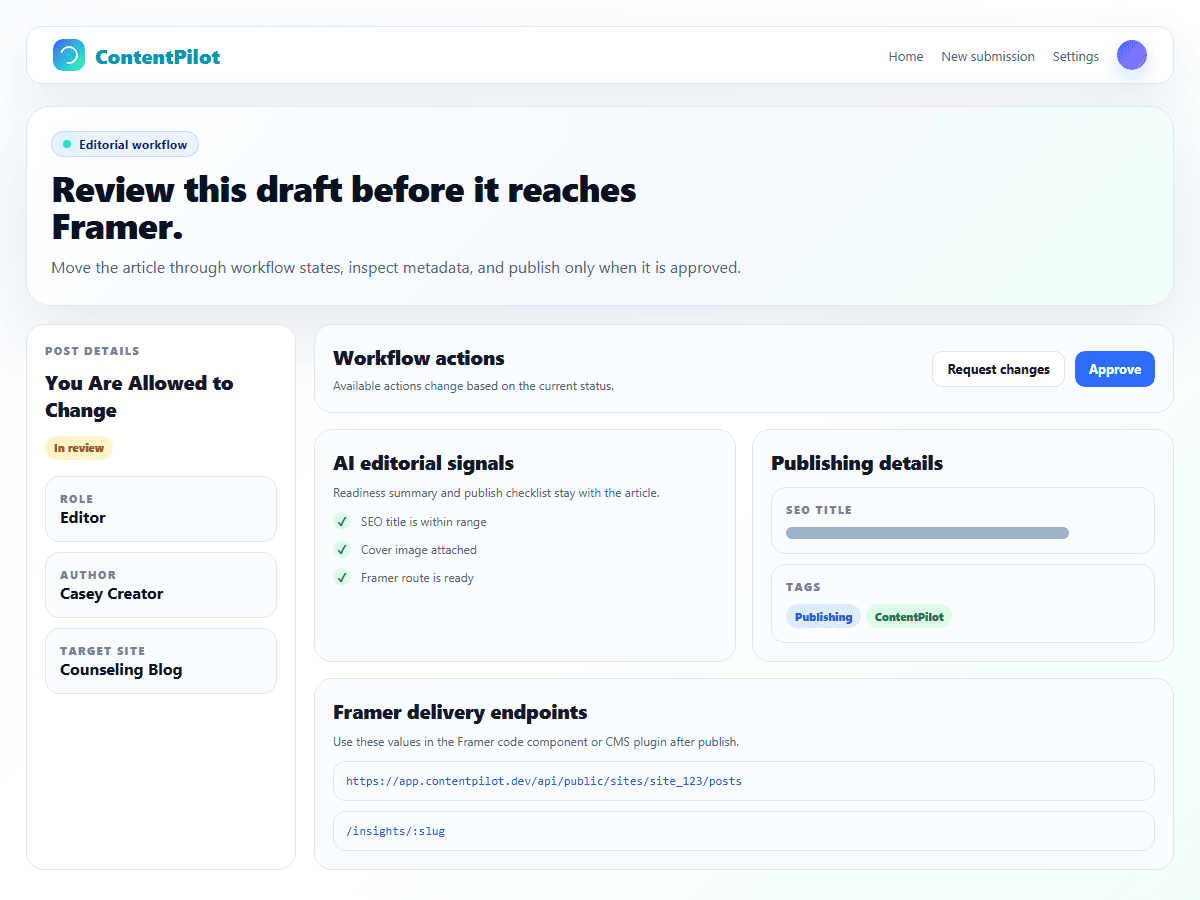
Developers keep control. Clients get autonomy.
The buyer and the daily user both get a better workflow: one side protects the Framer build, the other side gets a simple way to write and submit content.
For Framer developers
Protect the implementation while giving every client a real editorial process.
For client content teams
Write, review, and track content without navigating design tools or CMS settings.
Ready for a client-safe Framer content workflow?
Create a workspace, connect your first Framer site, and invite writers into ContentPilot instead of your website backend.